Kobo Mini Telnet/FTP Server

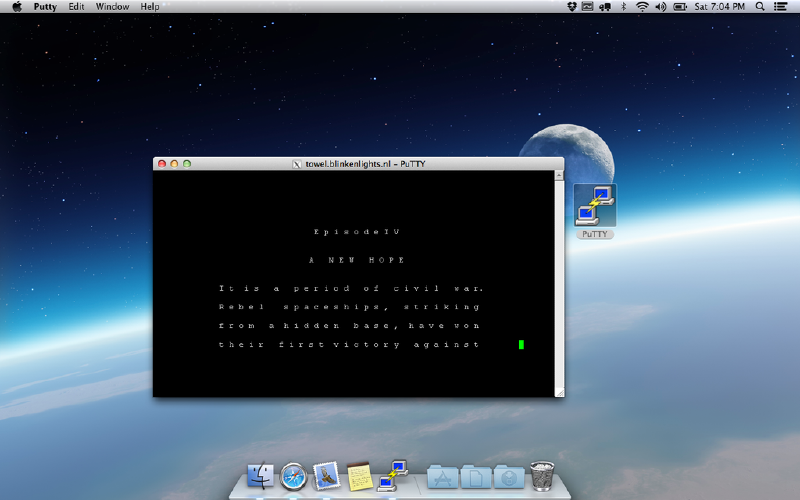
I recently bought a Kobo Mini ebook reader because I wanted to play around with the e-ink display. To do that I obviously needed a shell on the device, and here I’ll describe how I got that.

There are basically two ways to get the (already built-in) telnet- and ftp-server to start. One way is to open up the Kobo Mini, take out it’s internal MicroSD card, mount that on a Linux computer, and modify some scripts. The other way it to build a fake update package.
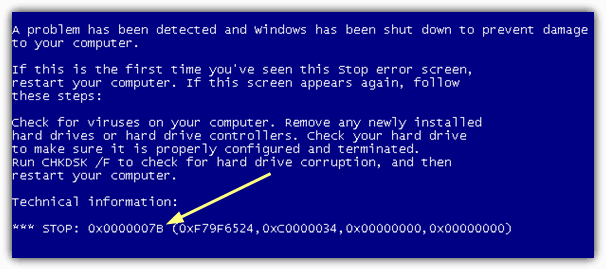
Change Windows 7 SATA driver mode from AHCI to RAID (Intel Chipset)

I wanted to use a Intel Rapid Storage controller in “RAID” mode, but Windows 7 didn’t like me changing that option and refused to boot, just showing me a very generic bsod.

After quite some time I found a solution:

First start from the installer disc and go to recovery options, open a command prompt.

Look for the system drive, on my system it was just drive C, so typing c: changed the current directory to the base directory on that drive.

Mac App: Wineskin Winery

Sometimes there is the need to run a piece of Windows software, and if you don’t have Windows running on your system you will need a workaround. Solutions are using a virtual machine with Windows or using wine, which can sometimes be a bit annoying.

As a mac user there is a solution that makes wine a bit more comfortable: Wineskin Winery It’s (obviously) based on wine and bundles Windows programs as Mac apps, including a fancy Icon in your Dock while it is running!