Replace broken USB-Stick in Ubiquiti EdgeMax routers

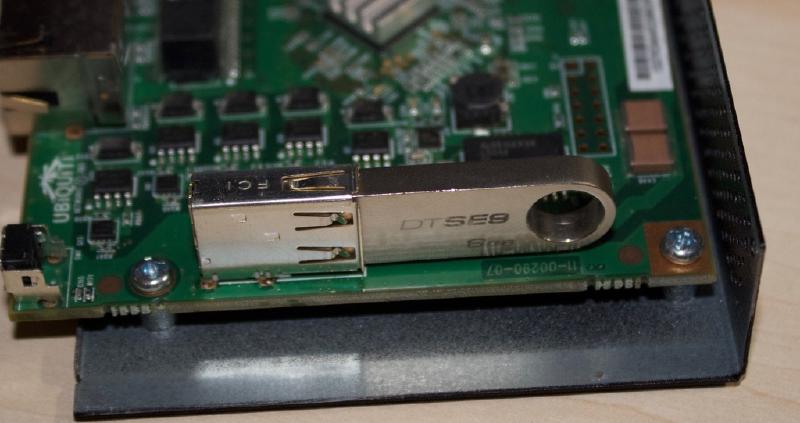
In this blog post I’m going to explain how to replace a broken USB-stick in Ubiquiti EdgeMax Routers or in this case the Ubiquiti EdgeMax EdgeRouter-POE. This guide can also be used to recover from a failed firmware update.

First thing you have to do is to get a new USB-stick. The stick has to be very slim (basically not wider than the USB-port itself). Also you have to be a bit careful as the EdgeMax routers are very picky about the stick in use, if your stick takes too long to be recognized by the system it won’t boot. I used an Kingston DataTraveler DTSE9H 8GB USB-stick, which seems to work fine, I think you need at least 4GB for the stick to work as that is the size of the original USB-stick.

Hide process list from users

If you have multiple users on a single machine every user can normally see all running processes, their own, other users processes and even system processes. Sometimes people append sensitive data like passwords to a command, and since you can see the process list you’ll also get that password, which isn’t good.

One solution would be to teach all your users to never ever do this, as if that would work… Also sometimes you may not even do this yourself but an installer script could download a piece of software with the product serial as parameter of the URL or something similar.

dpkg-divert

Just a short note for myself…

To move a dpkg-managed file out of the way:

dpkg-divert --rename --divert /usr/share/initramfs-tools/dropbear.original /usr/share/initramfs-tools/scripts/init-premount/dropbear

Copy and edit original.

cp /usr/share/initramfs-tools/dropbear.original /usr/share/initramfs-tools/scripts/init-premount/dropbear
ed /usr/share/initramfs-tools/scripts/init-premount/dropbear

Power over Ethernet on Raspberry Pi

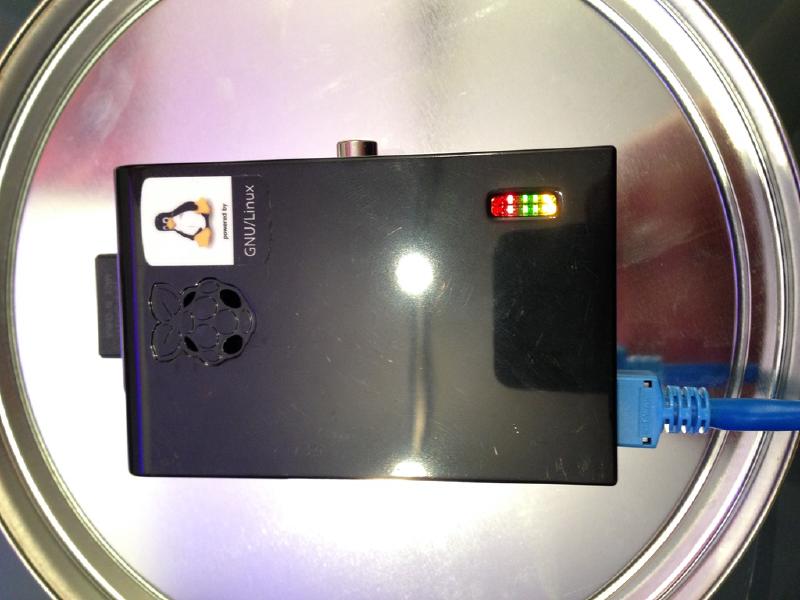
I have a few devices that support (passive) power-over-ethernet, and I quite like that as I don’t need a power supply for every single device filling up my power strip and I even can mount devices further away where there is no power available.

The Raspberry Pi board normally has two ways of getting power: You can either connect a Micro-USB cable, or you can use the GPIO headers to inject power.

DIY IP-KVM

Note: This is a slightly updated version of the old blogpost (re-written on 2016/01/25).

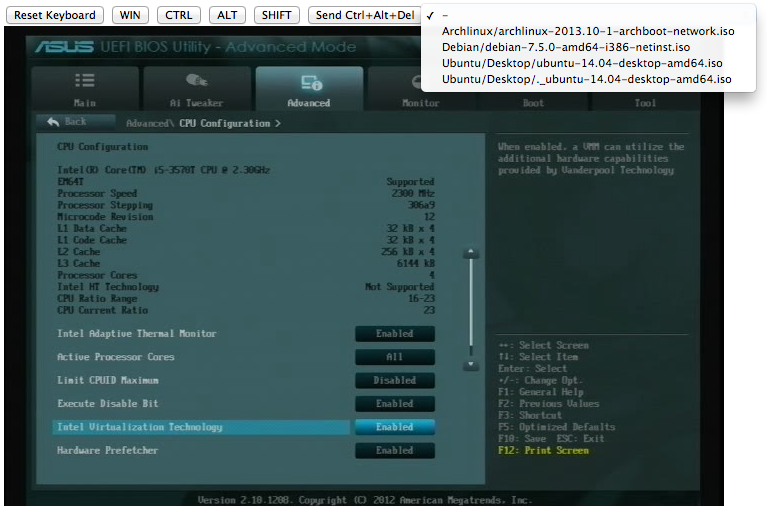
I really like IP-KVMs. They are great devices that allow you to directly connect to and control your computer from basically anywhere in the world, even if your system crashed or your network card died. Also you can access the bios settings and raid configuration utilities which wouldn’t be possible with normal remote-desktop tools.

Some of there devices also have a possibility to attach “virtual media” to your device, essentially allowing you to boot your remote system off an iso image on your local system, giving you a lot of possibilities to reinstall or rescue an operating system.